
Make Every Event Count.
Plan your agenda. Capture meaningful connections. Never miss a follow-up.

Your first 30 days are free. See pricing for what comes after.
- English and Arabic, right to left
- On-device voice and scanning options
- You choose what your card shares
- No ads. No third-party trackers.
Meet • Capture • Follow up
Conferences are full of good conversations. Event Mates makes sure they go somewhere.
- 01Plan.
Turn a conference agenda into your own schedule in minutes.
- 02Connect.
Share your card and capture every person you meet.
- 03Follow up.
Leave with clear next steps, not a pocket full of cards.
What you can do
Everything between meeting someone and following up
Digital business card
Add your photo, choose exactly which fields are public, and share by QR code or link. It opens in any browser and carries an "issued by Event Mates" badge.
Scan cards and QR codes
Photograph a business card or scan a contact QR code (vCard, MECARD or an Event Mates card). Review the details before anything is saved.
Voice notes that become follow-ups
Record what you just talked about. Choose on-device processing or online. Event Mates suggests a follow-up and you confirm it.
Import an agenda
Bring in a PDF, a photo, pasted text or an agenda web page. Review every session first; nothing joins your plan until you confirm.
Plan your event day
Pick the sessions you want, see clashes at a glance, and view them in a calendar. Imported sessions never fill your personal calendar on their own.
Reminders on your phone
Follow-ups and sessions remind you locally on your device, so you remember to reach out while the conversation is fresh.
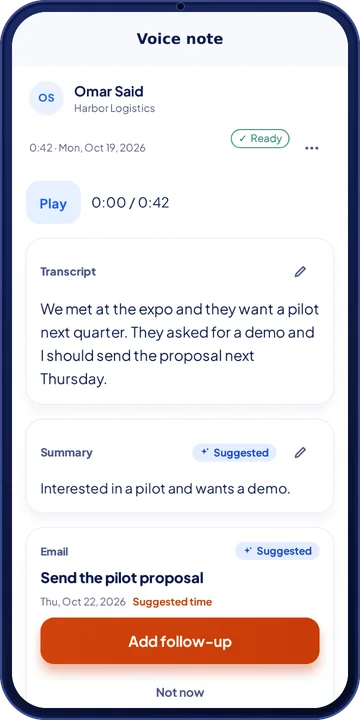
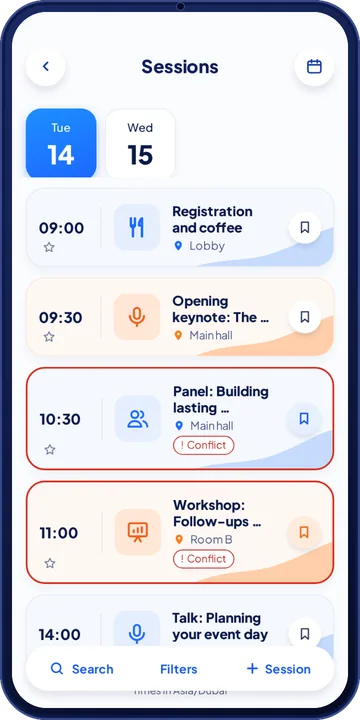
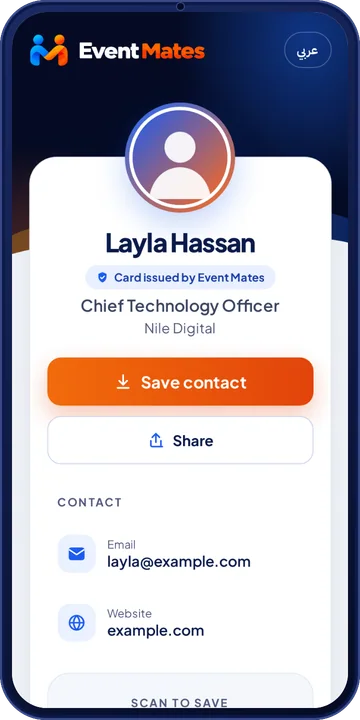
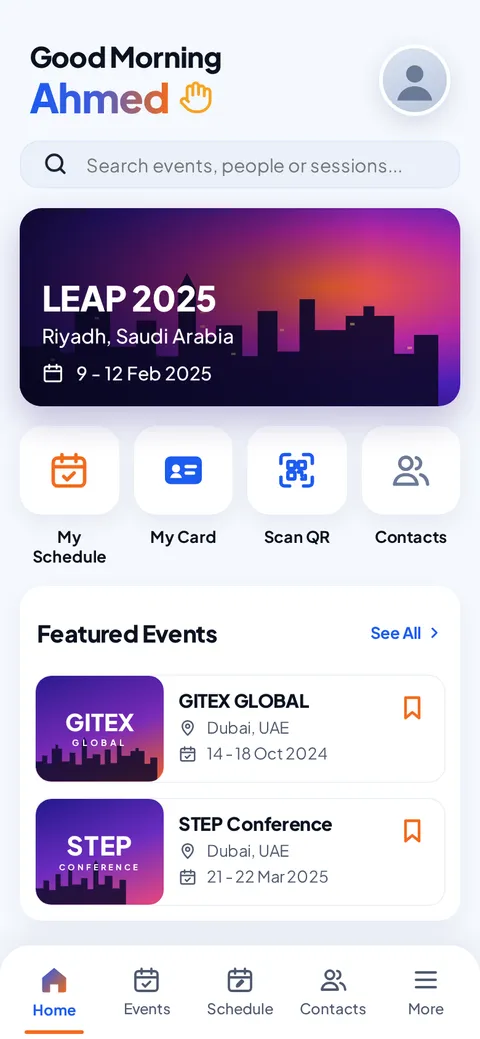
Illustration of the Event Mates app with sample data.
How it works
One companion for the whole event
Event Mates stays with you from the first agenda to the last follow-up.
- Weeks before
01 Before the event
- Discover or add your event
- Upload the event agenda
- AI extracts every session
- Build your personal schedule
- On the day
02 During the event
- Open your event planner
- Share your digital card by QR
- Scan business cards into contacts
- Record meeting notes and voice memos
- Organize contacts as you go
- The week after
03 After the event
- Transcribe your voice notes
- Get AI-written summaries
- Create and manage follow-up tasks
- Keep every connection organized
- Track activity and what’s next
Product walkthrough
See it in action
Step through a real flow in the app, from agenda to follow-up.
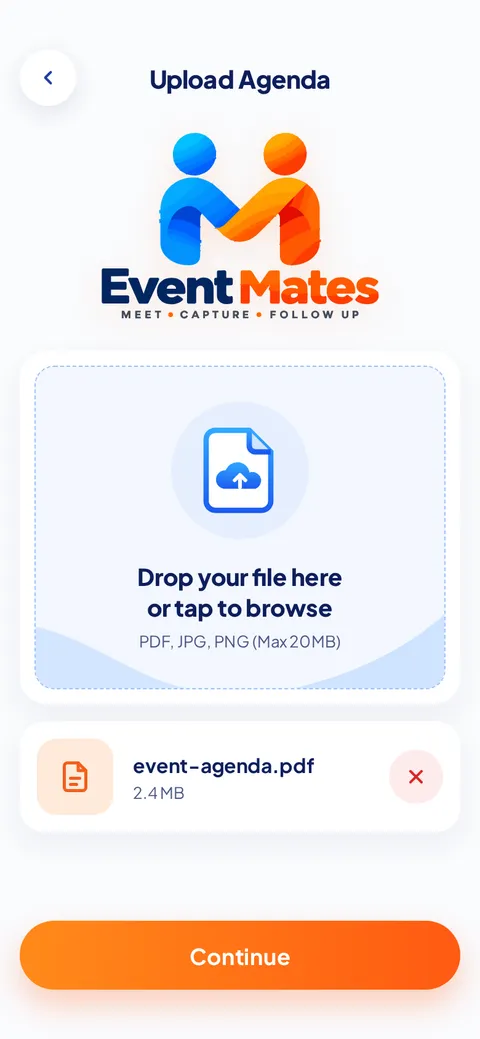
Before · Smart agenda
Your agenda, sorted before you arrive.
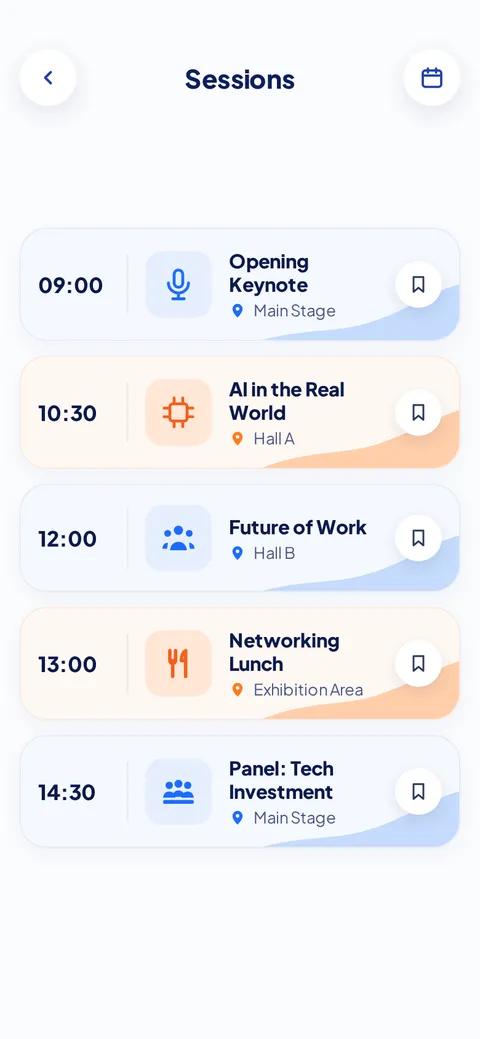
Upload the agenda as a PDF or image. Event Mates reads it, pulls out each session with its time and room, and lets you check everything before it goes into your schedule.
- Reads PDF, JPG and PNG agendas
- Review and correct extracted sessions
- Day-by-day and calendar views
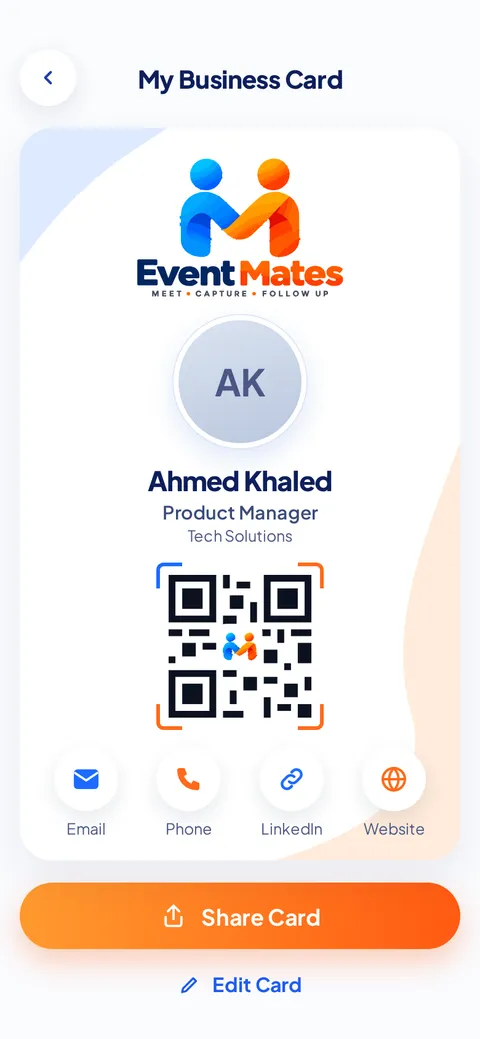
During · Networking
One QR code. Your whole introduction.
Share your digital business card with a single scan. Your name, role, company and links go straight to their phone. No paper, no typos.
- Email, phone, LinkedIn and website in one card
- Share it from your phone in one tap
- Update your details any time
Illustrative example
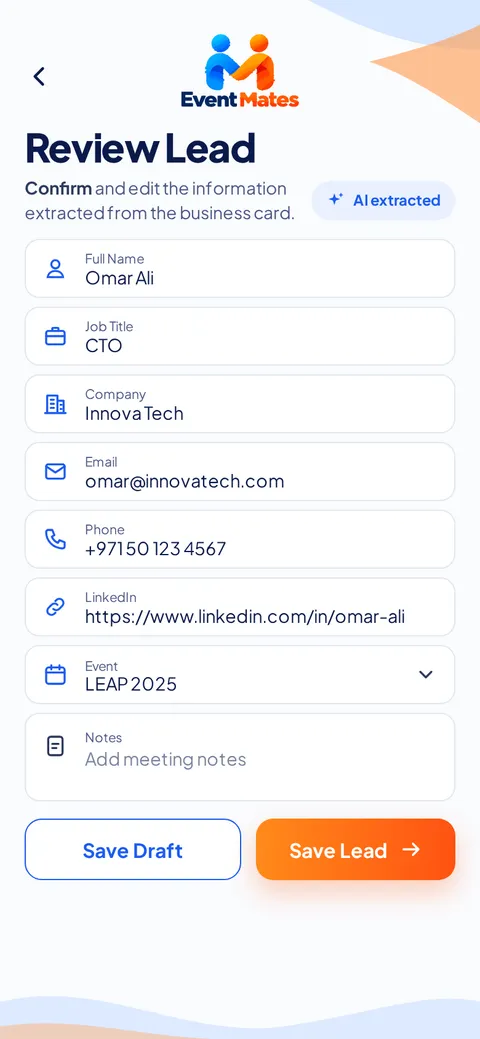
During · AI contact capture
Point, scan, done.
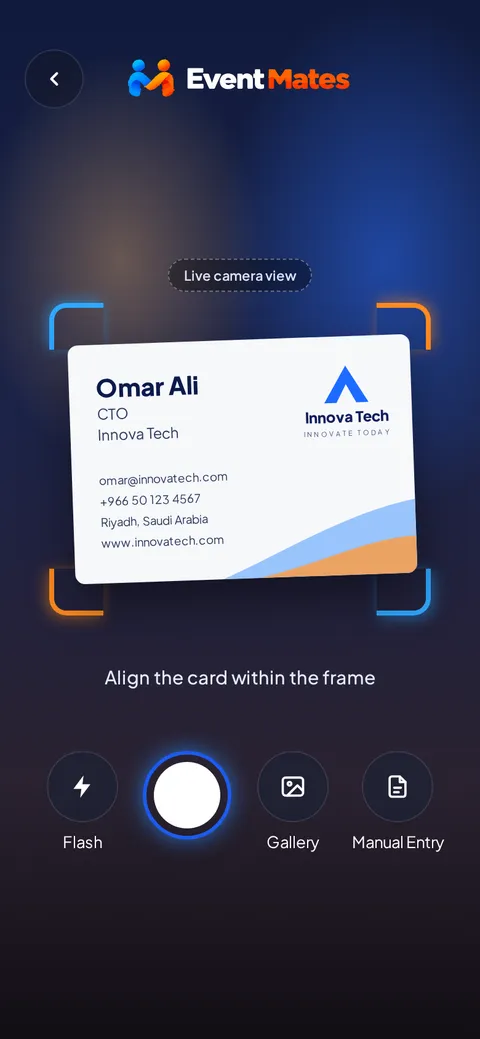
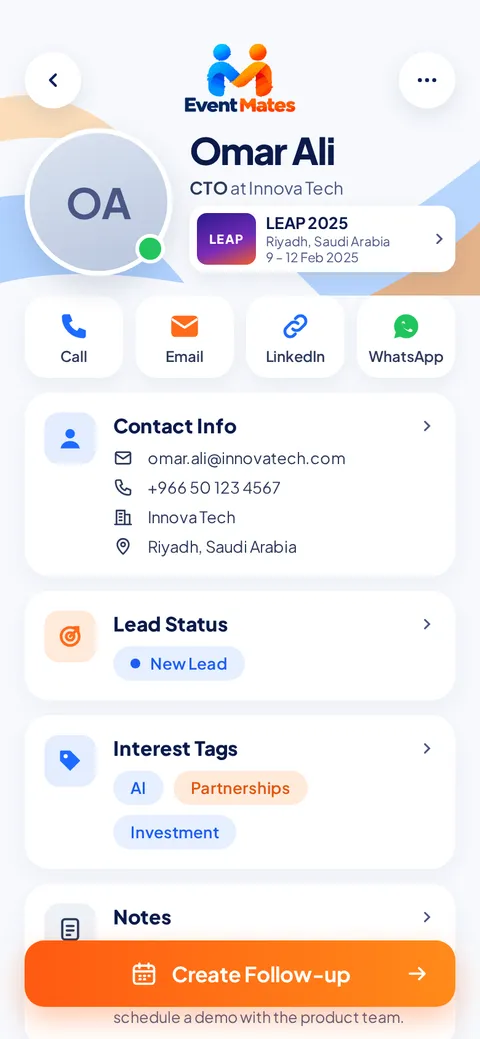
Scan a business card or event badge and AI fills in the contact for you. Add a note or a quick voice memo while the conversation is still fresh.
- 01Scan the card
Hold the card inside the frame and capture.
- 02AI extracts the details
Name, title, company, email and phone, ready to check.
- 03Save and add context
Link the contact to the event, add tags and notes.
Illustrative example
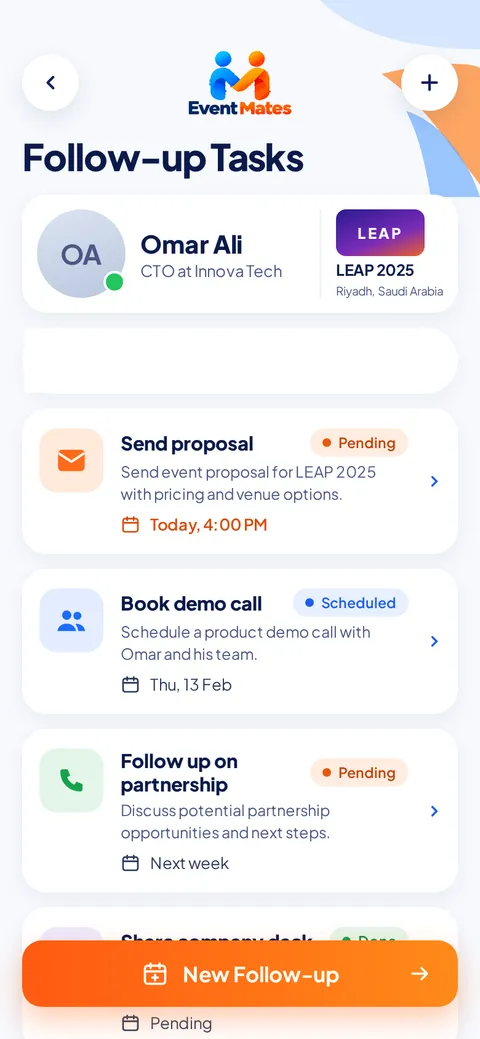
After · Follow-up
Every conversation ends with a next step.
Your notes become a clear plan. You’ll know exactly who to call, email or meet next, and when.
- 01Voice notes, transcribed
Speak your thoughts after a meeting. Read them as text later.
- 02AI summaries
A short recap of each conversation and what was agreed.
- 03Follow-up tasks
Tasks with due dates and status, linked to the right person.
Why Event Mates
You stay in control of your contacts
Choose on-device voice and scanning where available, decide what your card shows, and delete your account when you want. No ads and no third-party trackers.
On-device options
Voice and scanning can run on your phone where it is supported, so your recordings and photos stay with you.
Nothing shared by surprise
Your card shows only the fields you choose. Exchanging cards and saving a contact always wait for your confirmation.
Yours to delete
You can delete your account whenever you like. The Privacy Policy explains exactly what happens to your data.
Manage your subscription, invoices and contacts
Sign in on the web with the same account to manage your plan, view invoices, browse your contacts and export them as a CSV file.
On our roadmap
Previews of what we are exploring
- Smart Analytics
- AI Networking Insights
- Calendar Intelligence
- Event Performance
- AI Follow-up Automation
- CRM & Integrations
- AI Business Assistant
- Networking Intelligence
These are previews of what we are exploring. They are not available yet and have no release date.
Make your next event count.
Your first 30 days are free. See pricing for what comes after.
Questions, answered
What is Event Mates?
An AI-powered companion for conferences and exhibitions. It helps you plan your agenda, capture the people you meet and follow up afterwards.
Who is it for?
Event attendees, professionals building business connections, and sales and business development teams at trade shows.
Can I use it now?
Yes. The Android app is on Google Play, and you can sign in on the web with the same Event Mates account. The iPhone app is on the App Store.
How much will it cost?
Your first 30 days are free. The pricing page shows the plan and price, with tax calculated at checkout from your billing address. You can cancel any time.
What happens to the contacts I scan?
They’re saved to your account so you can review, edit and follow up. Our Privacy Policy explains how data is processed and how to delete it.
Who is behind Event Mates?
Event Mates is a product of Digital Cubic.