How it works
From the first agenda to the last follow-up.
Eight steps, three moments. Here is what using Event Mates looks like across a real event.
- Before Steps 1–4
- During Steps 5–6
- After Steps 7–8
- Before the event
Get the app
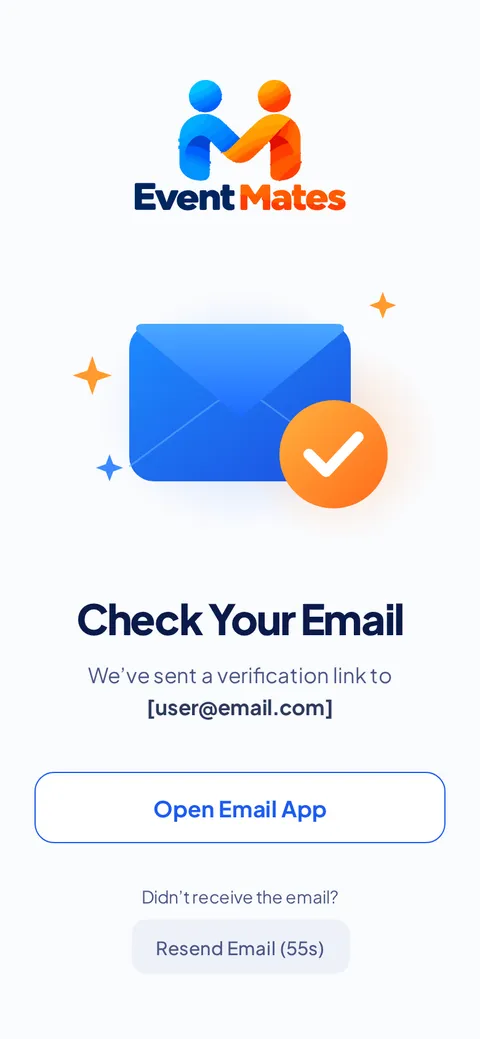
Create your Event Mates account in the app. Your first 30 days are free, and the same account signs in on the web.
Download it from Google Play or the App Store.
- Before the event
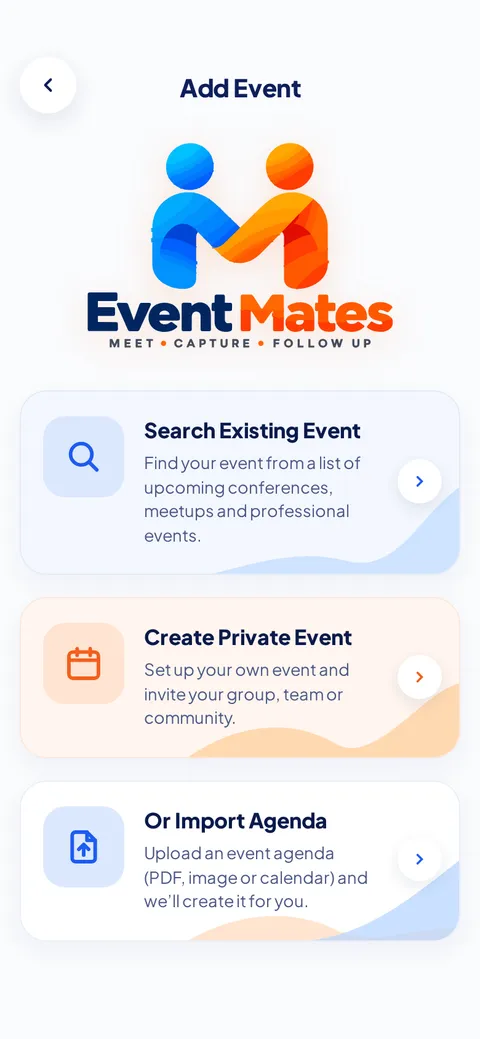
Add your event
Find your conference in the event directory, create a private event for your team, or start from the agenda file.
Private events are useful for internal offsites and team trips to trade shows.
- Before the event
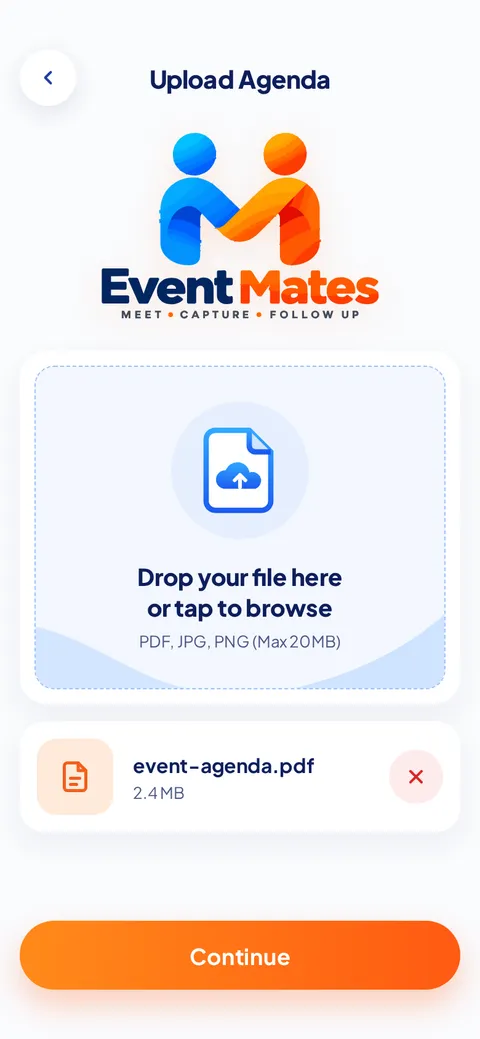
Let AI read the agenda
Upload the agenda as a PDF or image. Event Mates extracts each session and shows you the results to check.
Untick anything you don’t need before confirming.
- Before the event
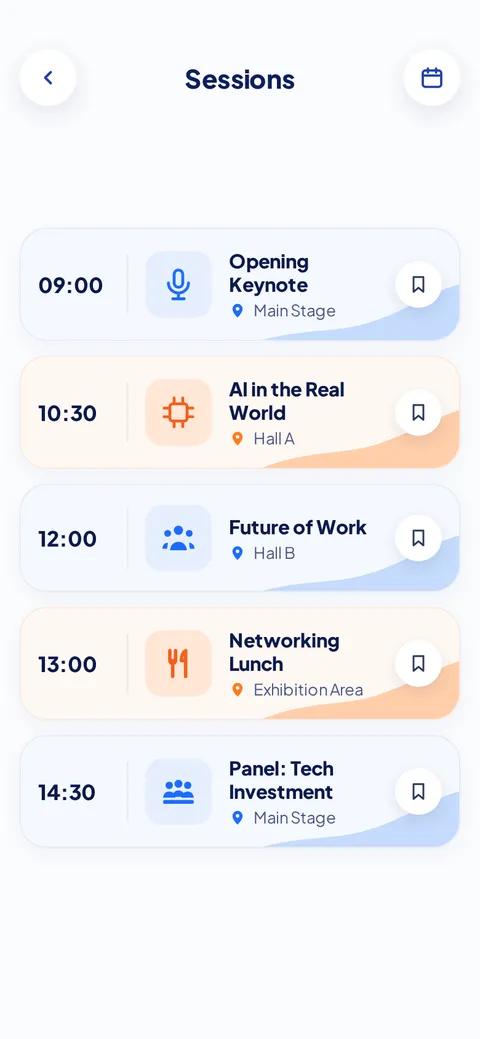
Build your schedule
Pick the sessions you care about and see your days at a glance, by day or on a calendar.
Add your own meetings too, and send them to your phone’s calendar.
- During the event
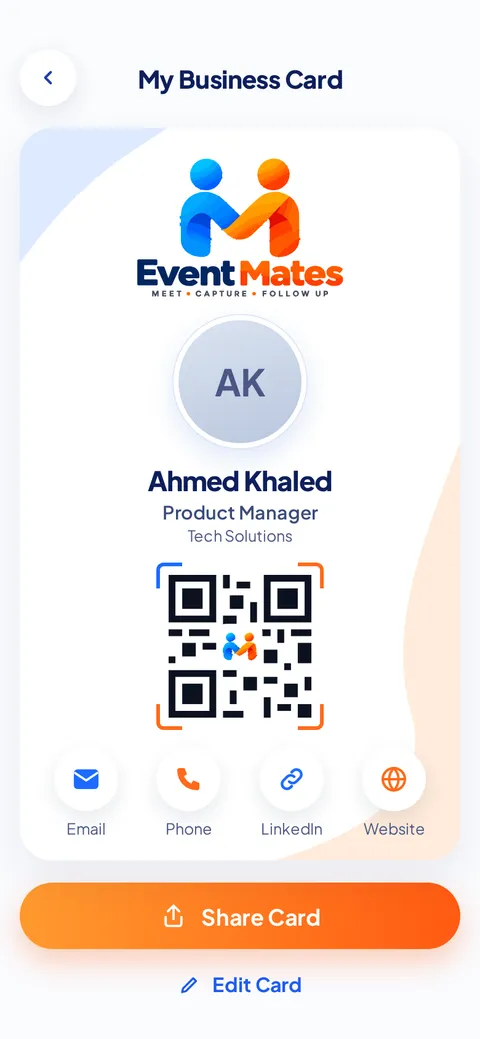
Share your card
Meet someone new? Show your QR code and your digital business card lands on their phone.
Keep your card up to date from your profile at any time.
- During the event
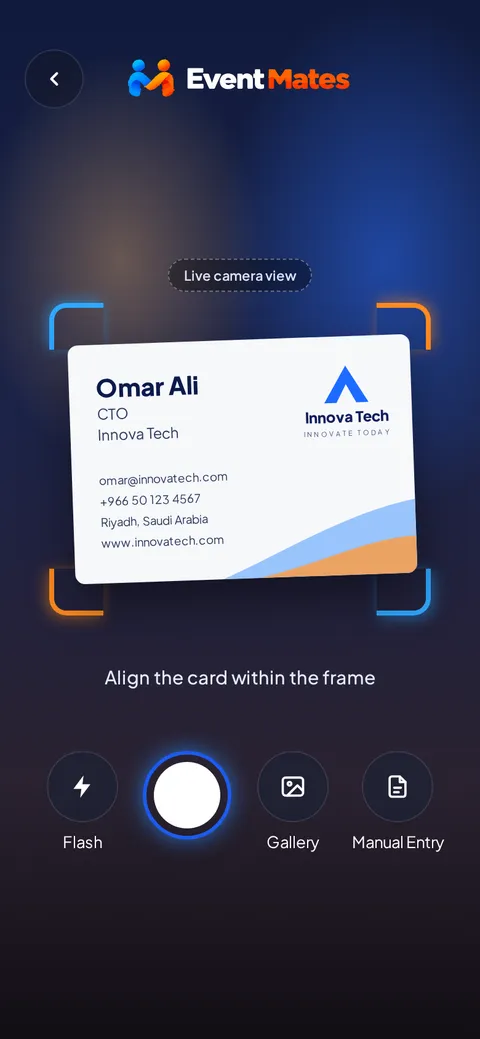
Capture every contact
Scan their business card or badge. AI fills in the details, you confirm, and add a note or voice memo.
Link each contact to the event so you remember where you met.
- After the event
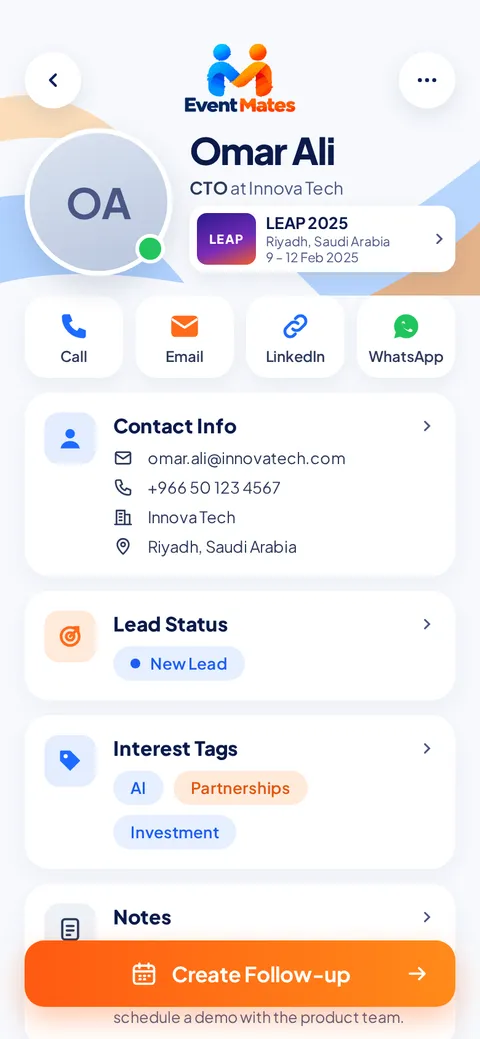
Review your contacts
After the event, open each contact to see their details, your notes and the summary of your conversation.
Use statuses and tags to decide who to contact first.
- After the event
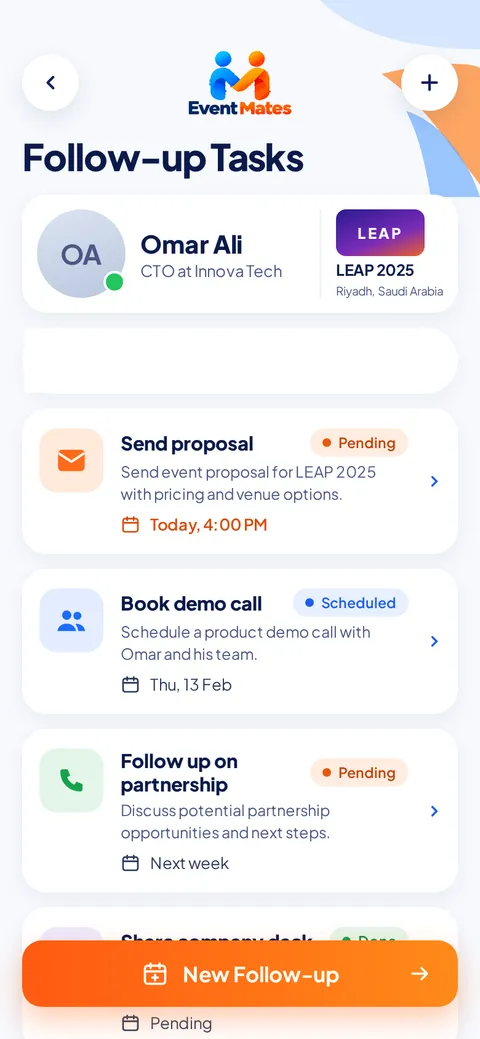
Follow up on time
Turn each conversation into follow-up tasks with dates, and tick them off as you go.
Pending, Scheduled and Done keep your week organised.
All screens are illustrative examples.

Make your next event count.
Your first 30 days are free. See pricing for what comes after.